


Mixed In Key 11 · Standard & Pro
Key detection and
DJ preparation.
Mixed In Key analyzes key, BPM and energy so you can find tracks that work together. Prepare your library with Standard. Hear mashup ideas, work with stems and try key changes in Pro.
One-time purchase · Mac & Windows
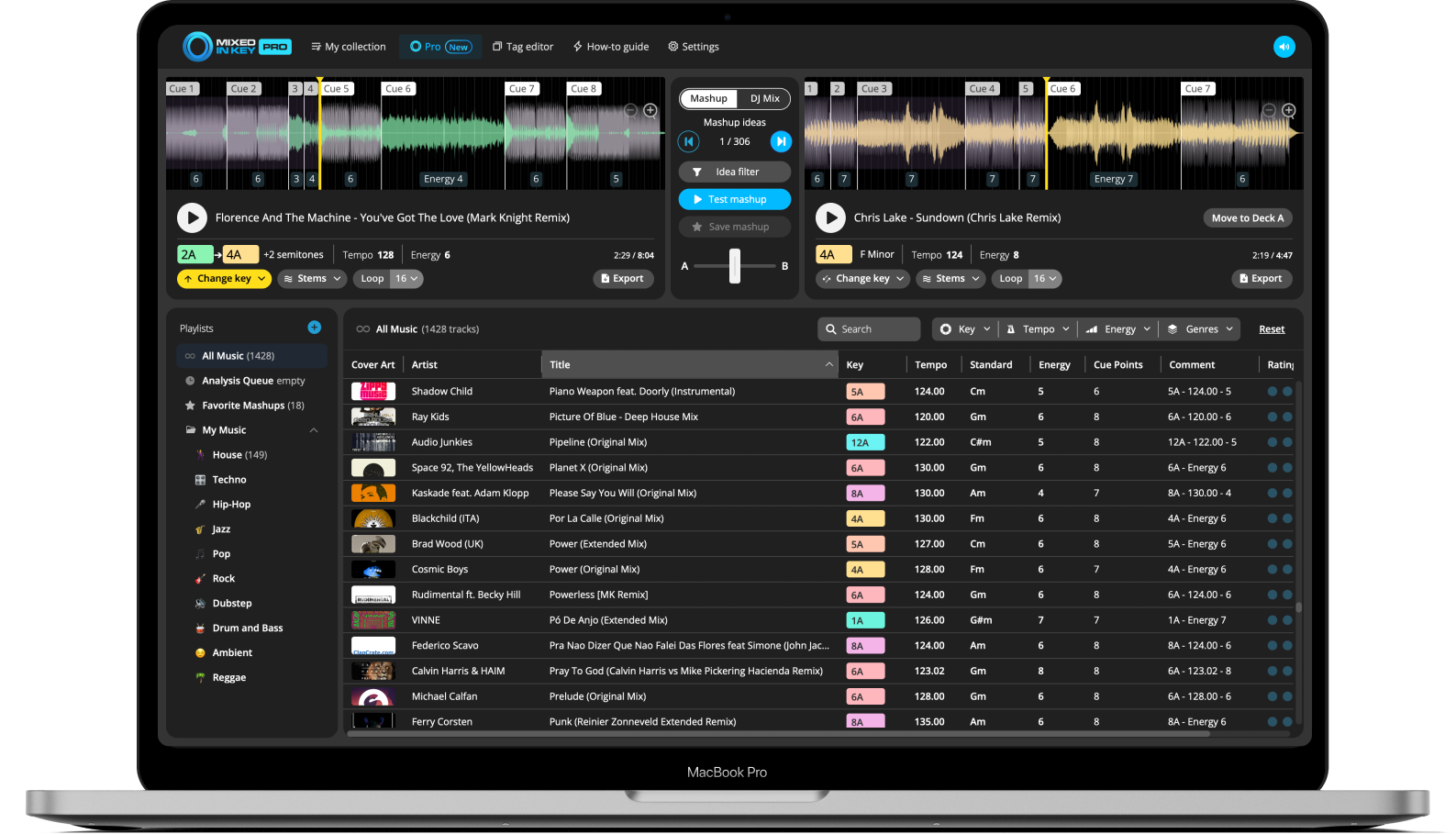
Key detection, BPM, energy, cue points, tags and playlists.
Everything in Standard, plus two decks, mashup and mixout ideas, stems, pitch shifting and loops.
Find tracks that
mix in key.
Bring your music into Mixed In Key and see the information you need to build your next set. Included in Standard and Pro.
- KeyRead musical keys or Camelot notation to find harmonically compatible tracks.
- BPMCompare tempos before you line up a transition.
- EnergyFind warmup, building and peak-time tracks, even when they share a BPM.

Get your library
ready to play.
Analyze new music, review your cues, and take consistent tags into your DJ software.
Cue points, ready to review.
Start with up to eight automatic cues per track. Listen, adjust their positions, and follow the export guide for your DJ software. See integration guides.

Write key and BPM tags
Edit metadata and write key and BPM results to your files. See how to write tags.

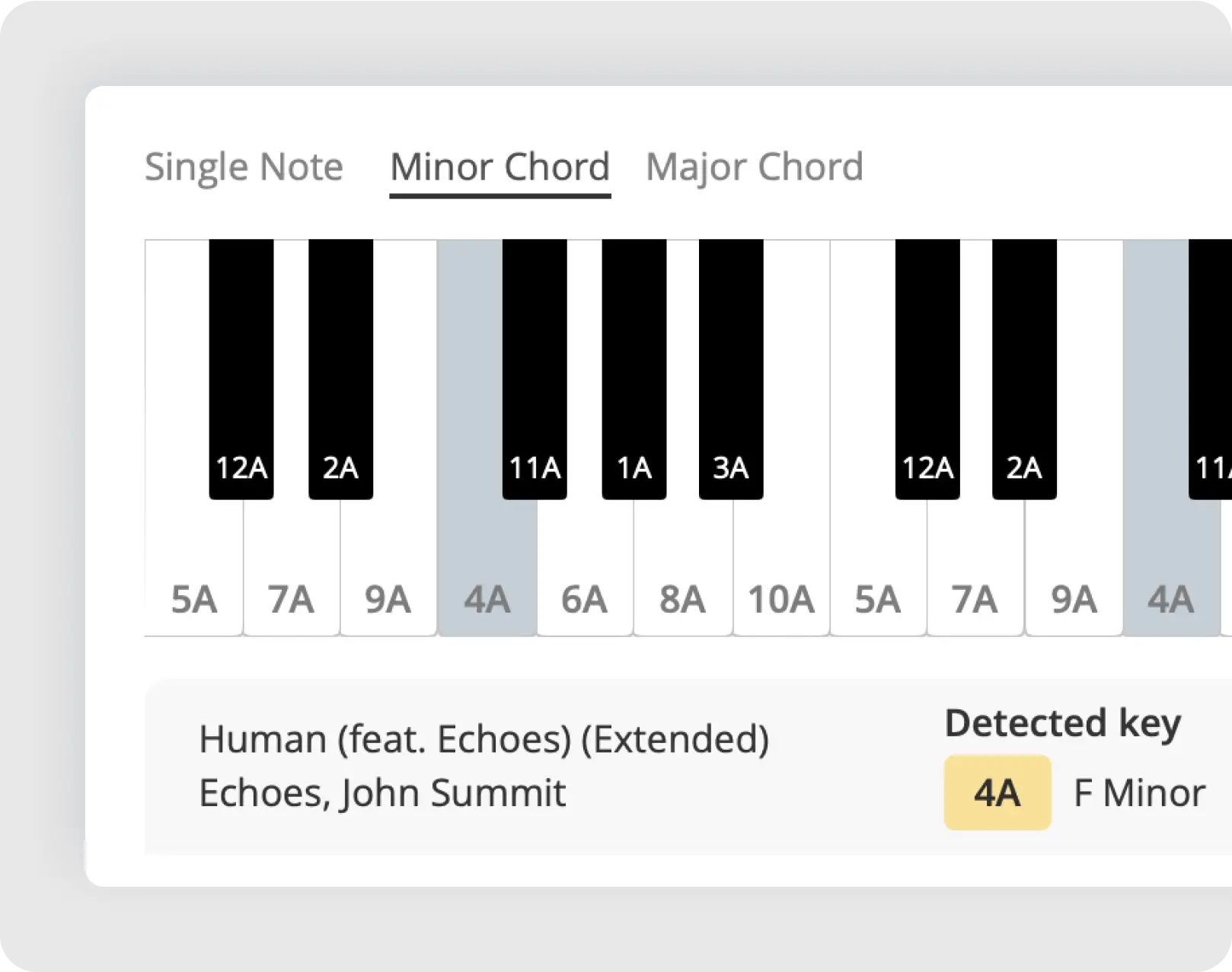
Check a key by ear
Use the built-in Grand Piano to compare notes with your track. Listen to the section you plan to mix, especially if the harmony changes.
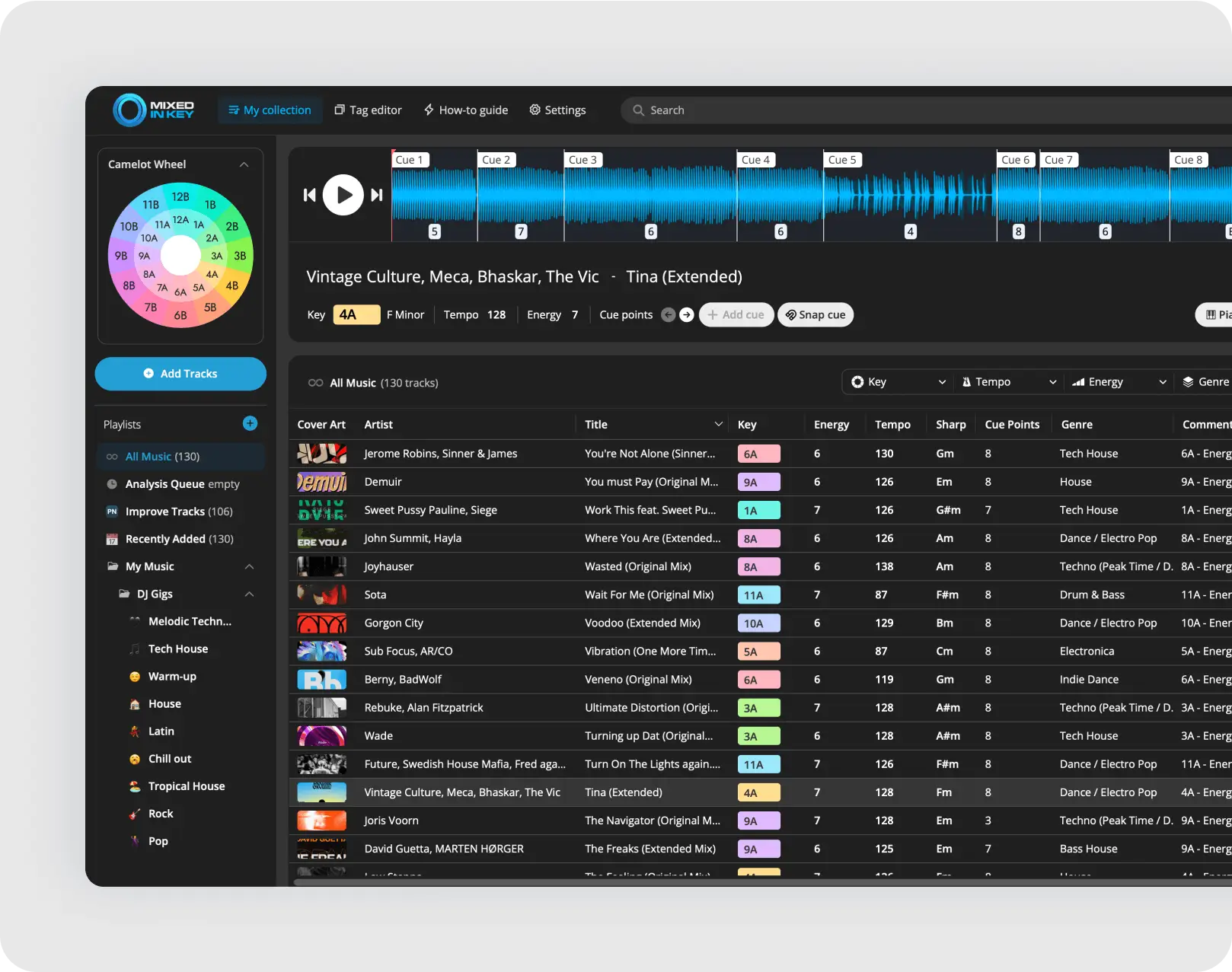
Switch to dark mode
Choose the interface appearance you prefer.
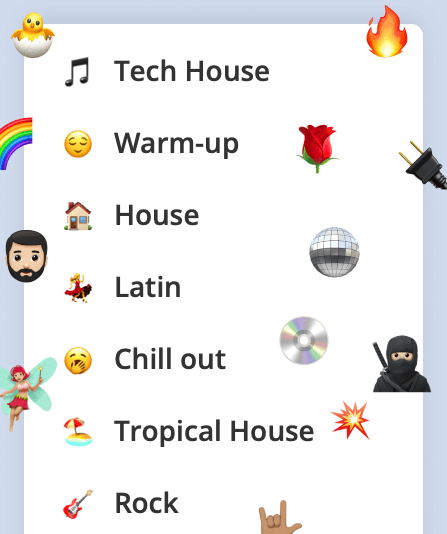
Make playlists easier to spot
Organize your tracks and add emoji labels to playlists.
All these library tools are included in Standard and Pro.
Test mashup ideas in Pro.
Load a track, browse suggested matches, and hear the pairing on two decks. Save the ideas you like or use DJ Mix mode to find your next track.
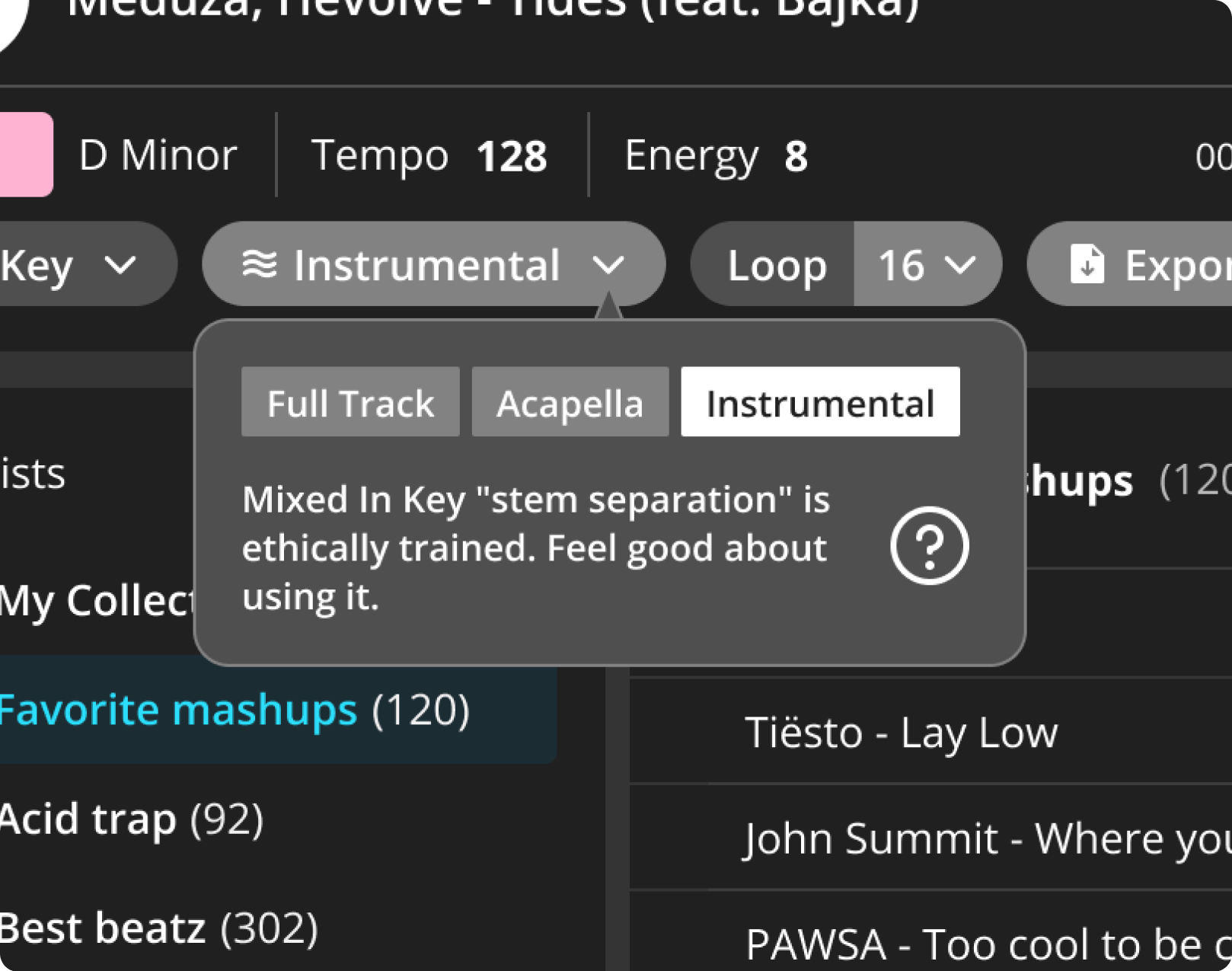
Separate vocals
and instrumentals
Switch between the full track, vocal and instrumental. Export stems to develop the idea in your DAW. Follow the stem workflow.
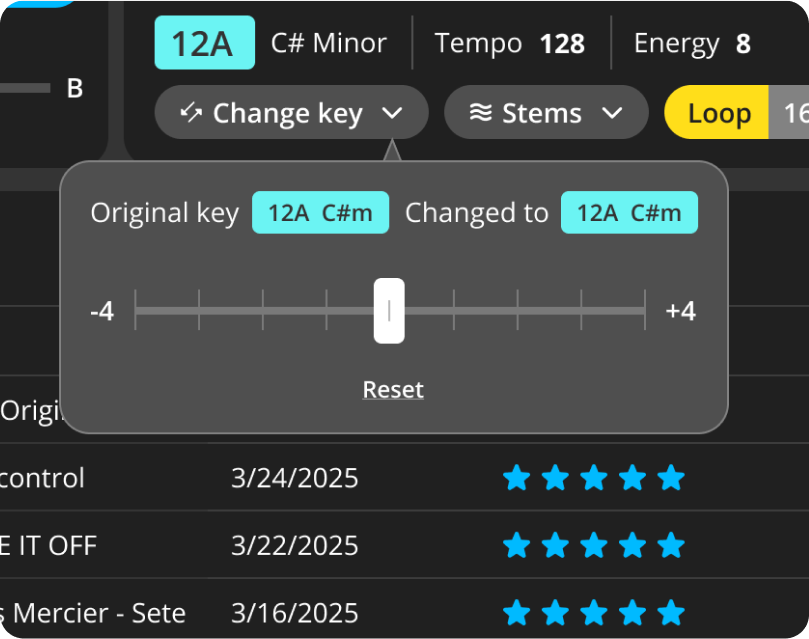
Change a track’s key
Shift a track into another key and explore new suggestions from your library. Listen again after shifting; tempo and phrasing still matter.
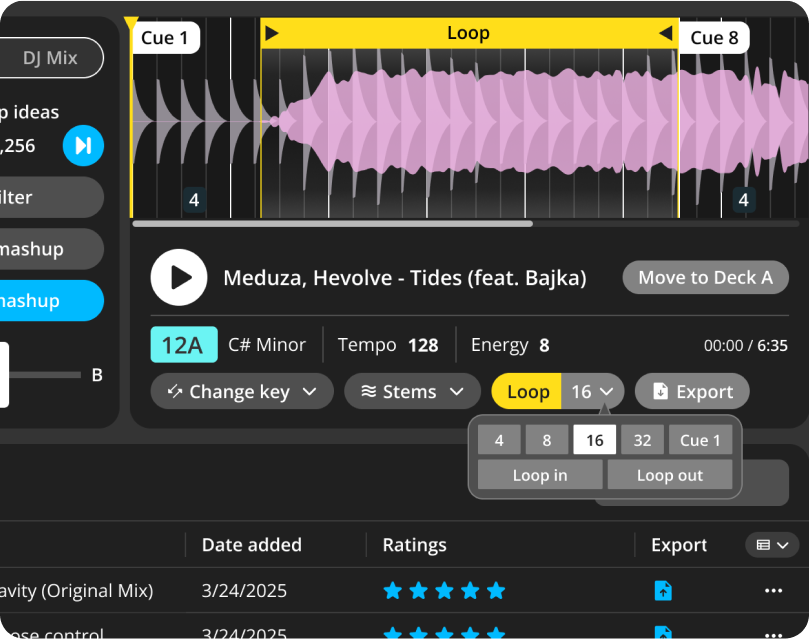
Loop and audition a section
Repeat a vocal phrase or instrumental section while you audition combinations. Filter ideas by playlist or genre.
Pro includes every Standard feature. Stem separation has additional hardware requirements; check your setup.
See it in a DJ workflow.
Watch the software in action, from library analysis to testing a mashup.
Start with Mixed In Key 11
See how analysis and library preparation fit into your routine.
Explore Pro with Crossfader
Follow a DJ walkthrough of the mashup and mix-preparation tools.
Which edition fits your workflow?
Choose Standard for key analysis and library preparation. Choose Pro to add mashup ideas, deck players, stems and key changes.
| Mixed In Key 11 One-time purchase. Choose your edition. | StandardPrepare your library.Buy now | ProLibrary tools plus mashup and stem tools.Buy now |
|---|---|---|
| Your library preparation tools | ||
| Key, BPM and energy analysis | Included | Included |
| Up to eight automatic cue points | Included | Included |
| Tag editing and playlist preparation | Included | Included |
| Grand Piano, dark mode and playlist emojis | Included | Included |
| More creative tools in Pro | ||
| Mashup idea engine and filters | Not included | Included |
| Two decks to audition your ideas | Not included | Included |
| Mixout ideas for your next track | Not included | Included |
| Stem separation and export | Not included | Included |
| Pitch shifting and looping | Not included | Included |
✓ Included — Not included
See current prices and upgrade options · System requirements
A few things
worth knowing.
For step-by-step instructions, explore the DJ Workflow Hub.
How does Mixed In Key work?
Add your music files and analyze them for key, BPM, energy and cue points. Review the results, prepare playlists, and follow your DJ app’s integration guide for tags and cues. Pro also lets you audition combinations and export stems.
Does Standard use the same key detection as Pro?
Yes. Both editions include the same key-detection and library-preparation tools. Pro adds mashup and mixout suggestions, deck players, stem separation, pitch shifting and looping.
Does it replace rekordbox, Serato or Traktor?
Mixed In Key prepares your library and helps you find ideas. Use its analysis and cue points in your DJ software through the relevant integration workflow. Pro’s decks let you test pairings before you perform or finish a mashup in your DAW.
Which files and computers does it support?
Mixed In Key supports MP3, WAV, AIFF, Apple Lossless, OGG and FLAC on Mac and Windows. Stem separation has additional hardware requirements. See the current system and stem requirements.
Is there a subscription?
Standard and Pro are offered as one-time purchases. Visit the shop for current prices and upgrade options for existing licenses.
Get your next set ready.
Choose Standard for preparation, or Pro for the full set of creative tools.
Updated October 8, 2026.